One AI QMS, a wide range of connectors.
There are three ways to ingest data into Yxir: 1) by importing data manually — spreadsheet files such as Excel or PowerBI; 2) by uploading files directly — such as PDF documents; or 3) by connecting Yxir directly to your tools using connectors. These connectors are built to measure according to the constraints, data architecture, and organisation of each client.



Option 1 - Import spreadsheets
Once your data is in .csv, .xlsx, or a similar format, you can import it into Yxir within an existing database or a new one.
The expected format is configured in advance in your settings or with the help of our technical team — ensuring your data is cleanly ingested into a structured architecture.
Option 1 - Import spreadsheets
Once your data is in .csv, .xlsx or similar format, you can import it into Yxir within an existing database or within a new database.
The expected format must be configured beforehand in your settings or with the help of our technical teams, in order to properly ingest your data into a structured architecture.
Option 2 - Upload files
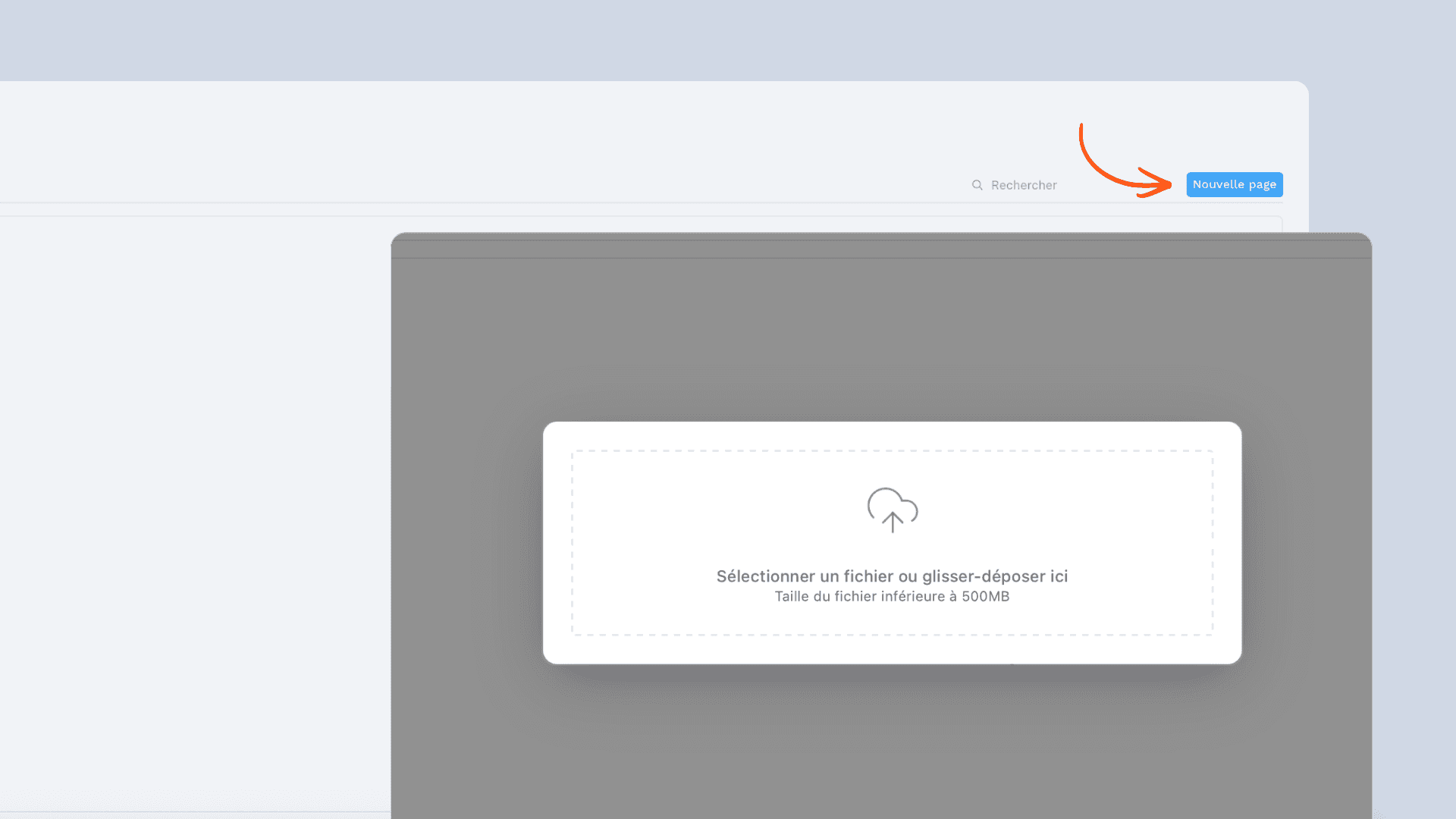
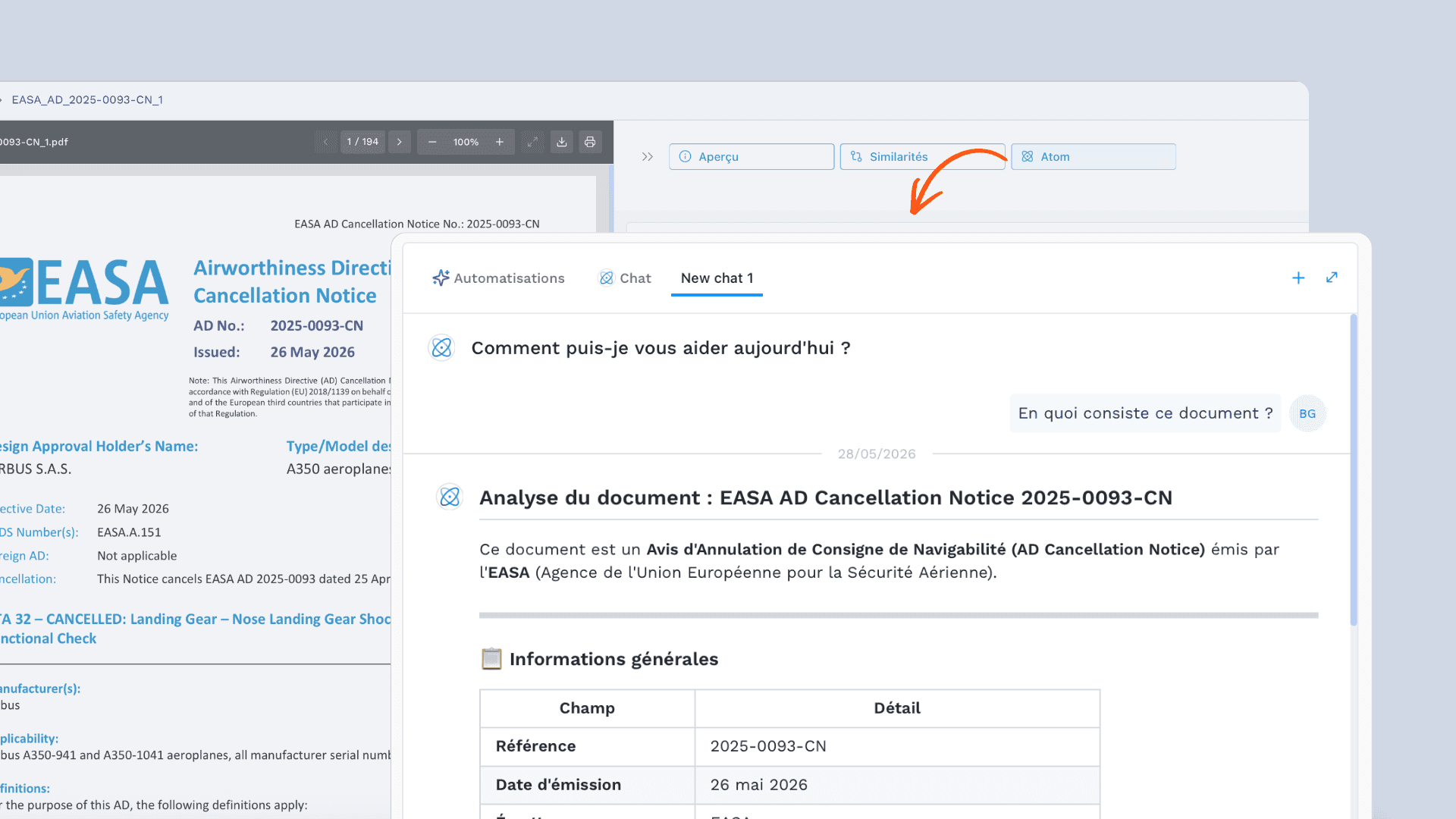
If you want to load documents — PDFs, Word files, images, videos — you can do so directly within your records (for example, to support a non-conformity declaration) or in Yxir as standalone documents.
Uploaded documents are then accessible in Yxir, allowing AI to analyse their content or convert them into raw data to enrich your database.
Option 2 - Upload files
If you wish to upload documents, such as PDFs, Word files, images, videos... you can do so directly within your pages, for example to support a declaration, or in Yxir as individual documents.
The uploaded documents are then accessible in Yxir to use AI to study their content or convert them into raw data to enrich your database.
Option 3 - Use connectors
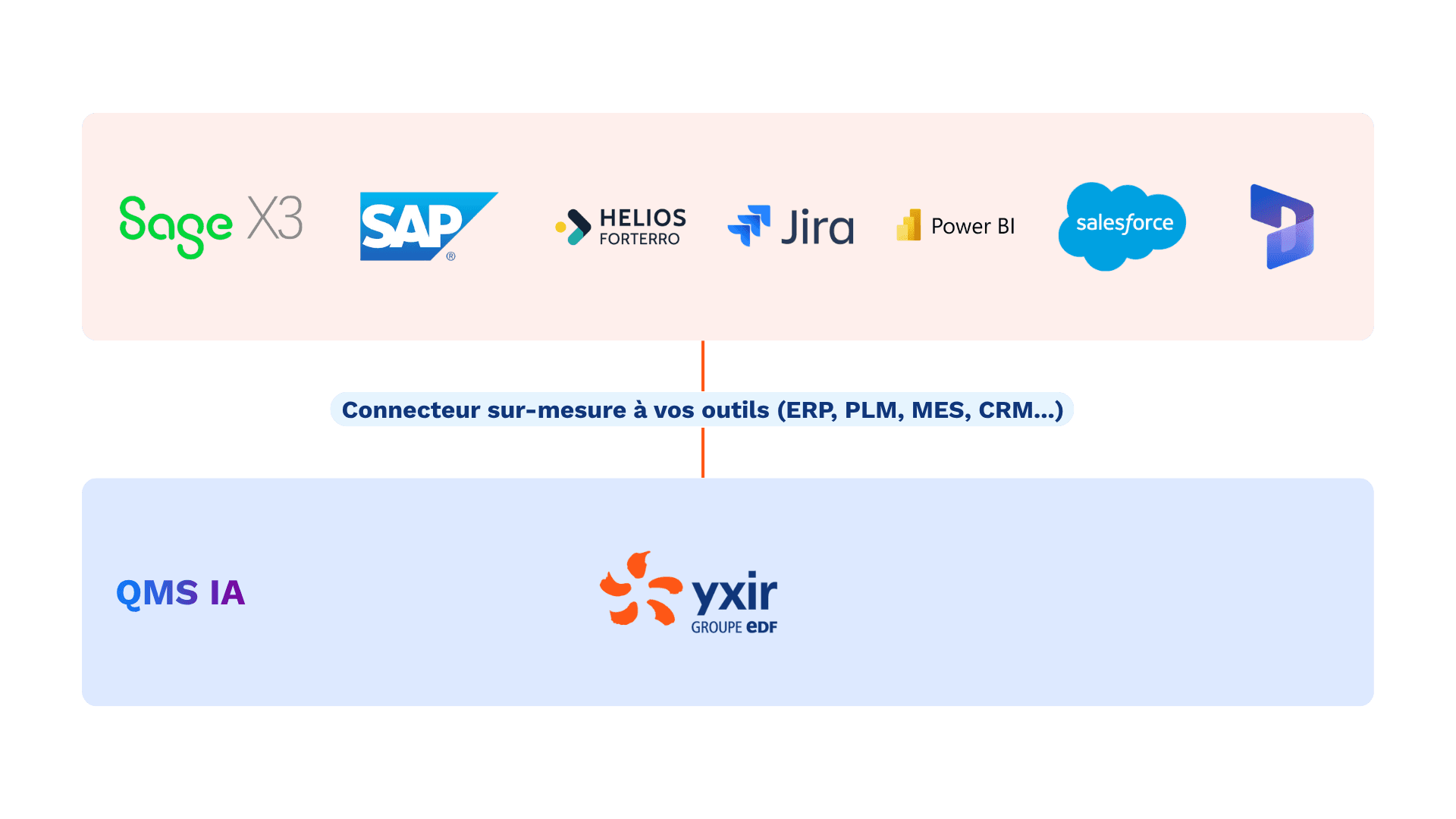
Every industrial organisation has its own processes, constraints, and tools. We build custom connectors to meet each client's needs — ensuring data security and connection efficiency.
Connectors let you send your data into Yxir, but also allow you to use Yxir directly within your existing tools. We adapt to your processes.
Option 3 - Using connectors
Every manufacturer has their own processes, constraints, and tools. We create tailor-made connectors according to our clients' needs, to ensure data security and connection efficiency.
The connectors allow you to send your data to Yxir, but also to use Yxir directly within your current tools. We adapt to your processes.
Need a specific connector?
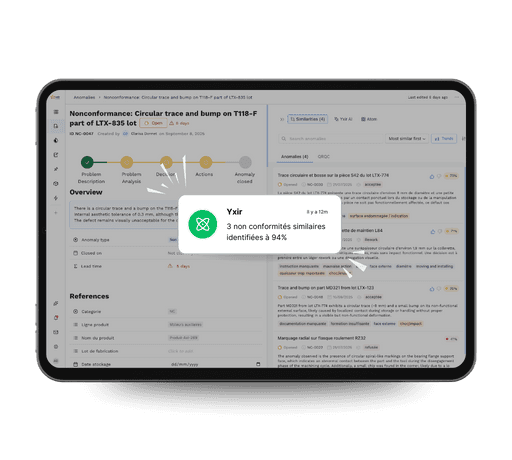
Discover Yxir in action on your quality challenges
Book a personalized demo and discover how our industry-focused platform reduces your non-conformances, speeds up your resolutions and improves your performance indicators.
Discover Yxir in action on your quality challenges
Book a personalized demo and discover how our industry-focused platform reduces your non-conformances, speeds up your resolutions and improves your performance indicators.
Discover Yxir in action on your quality challenges
Book a personalized demo and discover how our industry-focused platform reduces your non-conformances, speeds up your resolutions and improves your performance indicators.