Receive complete reports from the first entry
Your teams can report new non-conformities directly in Yxir, with an AI assistant that guides their writing so they don’t omit any important information.
It's way more ergonomic to report a new anomaly on Yxir
than on QM, where I need to navigate through tabs and where I need to add or look for attachments in various files.
User
Ponticelli
PDF reports slow down and complexify your quality process
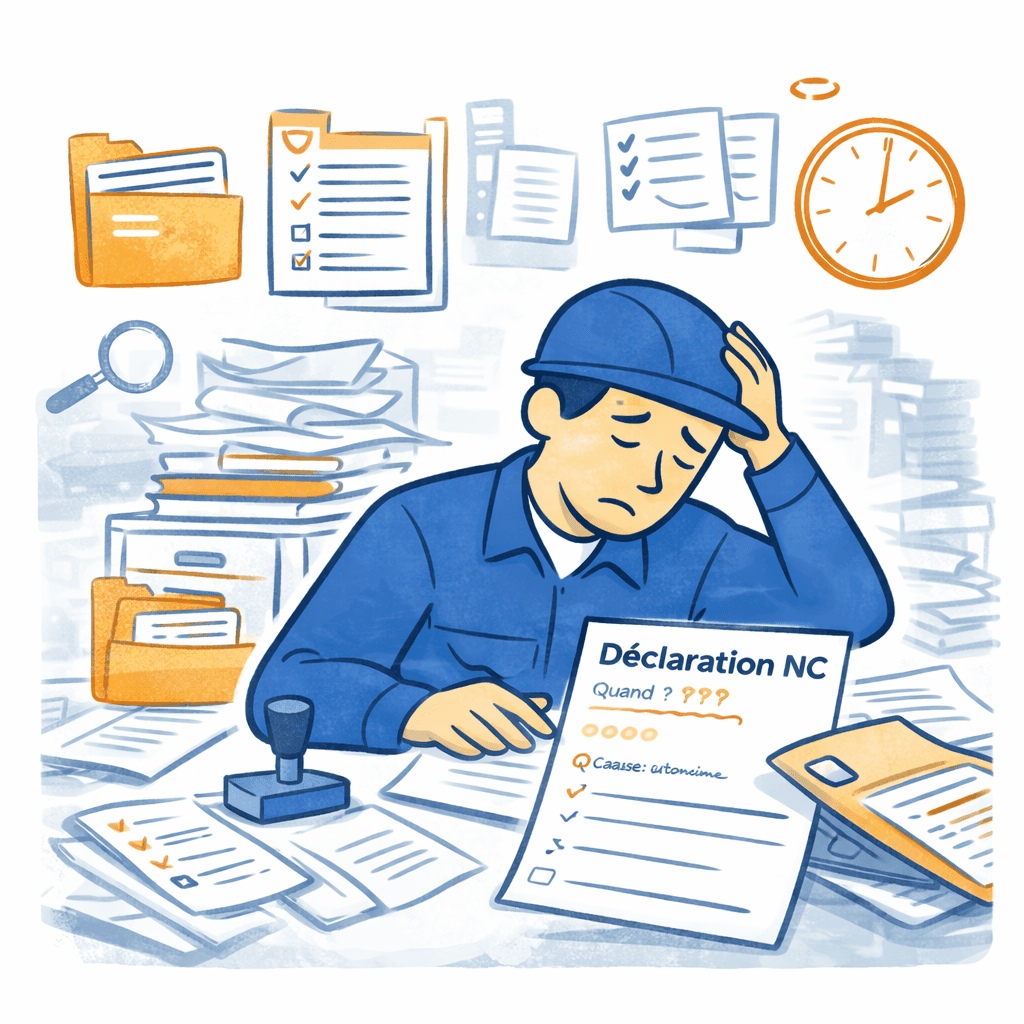
Reporting a non-conformity requires field experts to know how to redact a report, follow your procedure, remember to write and explain every single information... to end up with yet another PDF which quality management teams have to read and process one by one.

Endless back and forths
A report arrives incomplete, so you have to follow-up with field experts for more information, making them must return to the field.

Writing skills required
Recognising a non-conformity is not enough; field experts must also learn how to write a statement using the correct methods.
Manual labour
Each report needs to be read, analyzed, classified... manually one-by-one, while teams always lack time.
Report non-conformities directly in Yxir with the assistance of AI
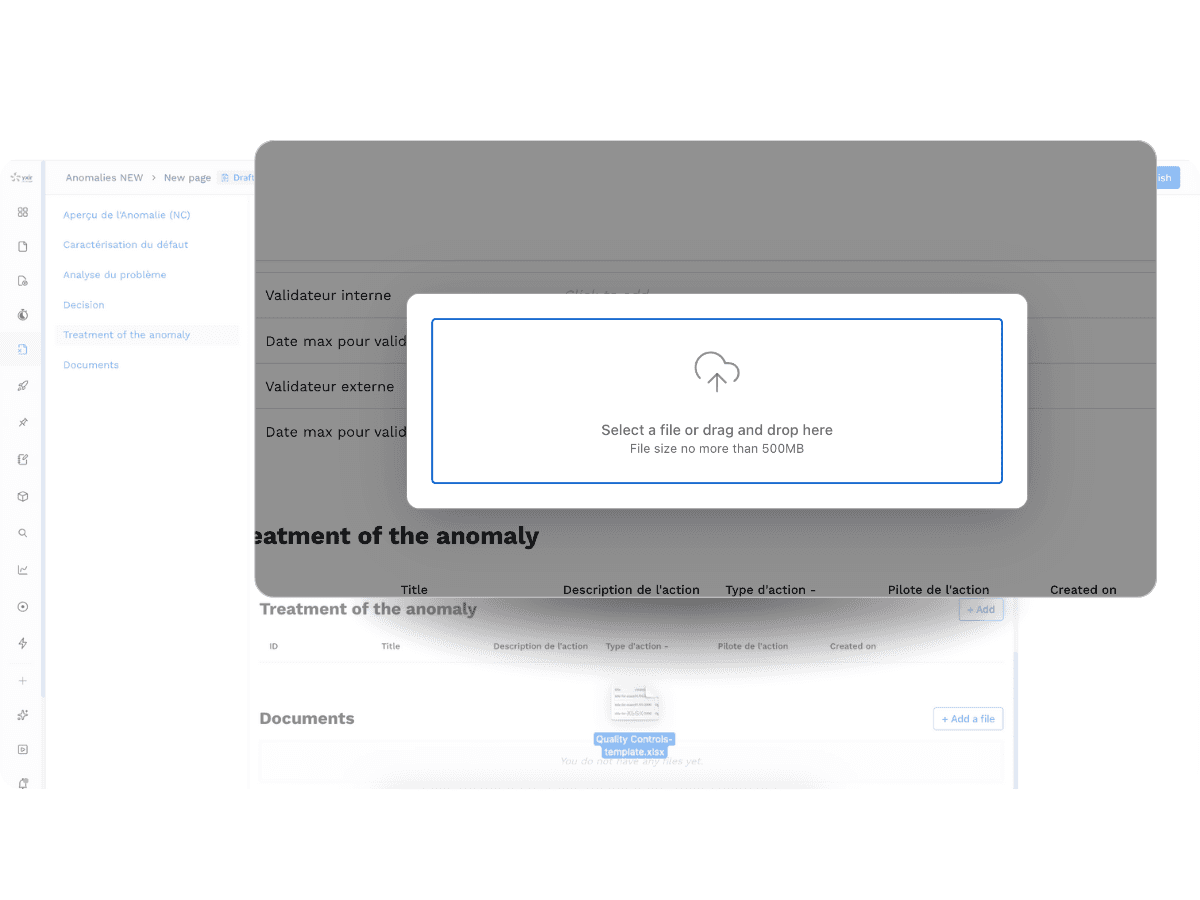
Add photos or documents
Your experts can add files to their reports: no more sending attachments by email and adding links in Excel to a different folder!
Our AI pre-analyses files, even images and PDFs, autonomously and based on the context provided, to allow you to quickly understand the report.
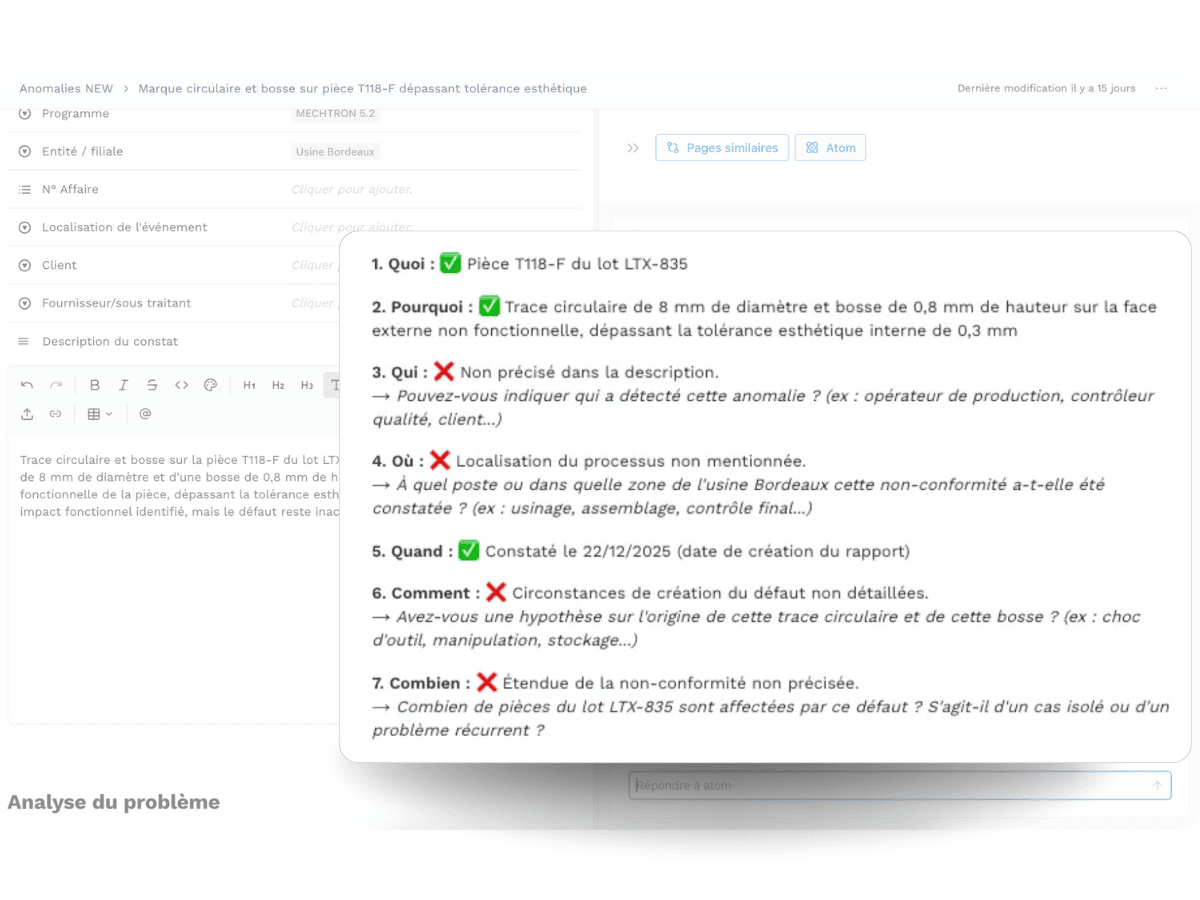
The AI assistant indicates missing elements
Your process, your methods: choose the elements that are mandatory in each report, and the AI will guide and assist your experts during their reporting.
No need for writing expertise. All your field experts can declare a non-conformity, without needing to be trained on reporting and problem-solving methodologies!
Reports arrive classified and pre-analyzed
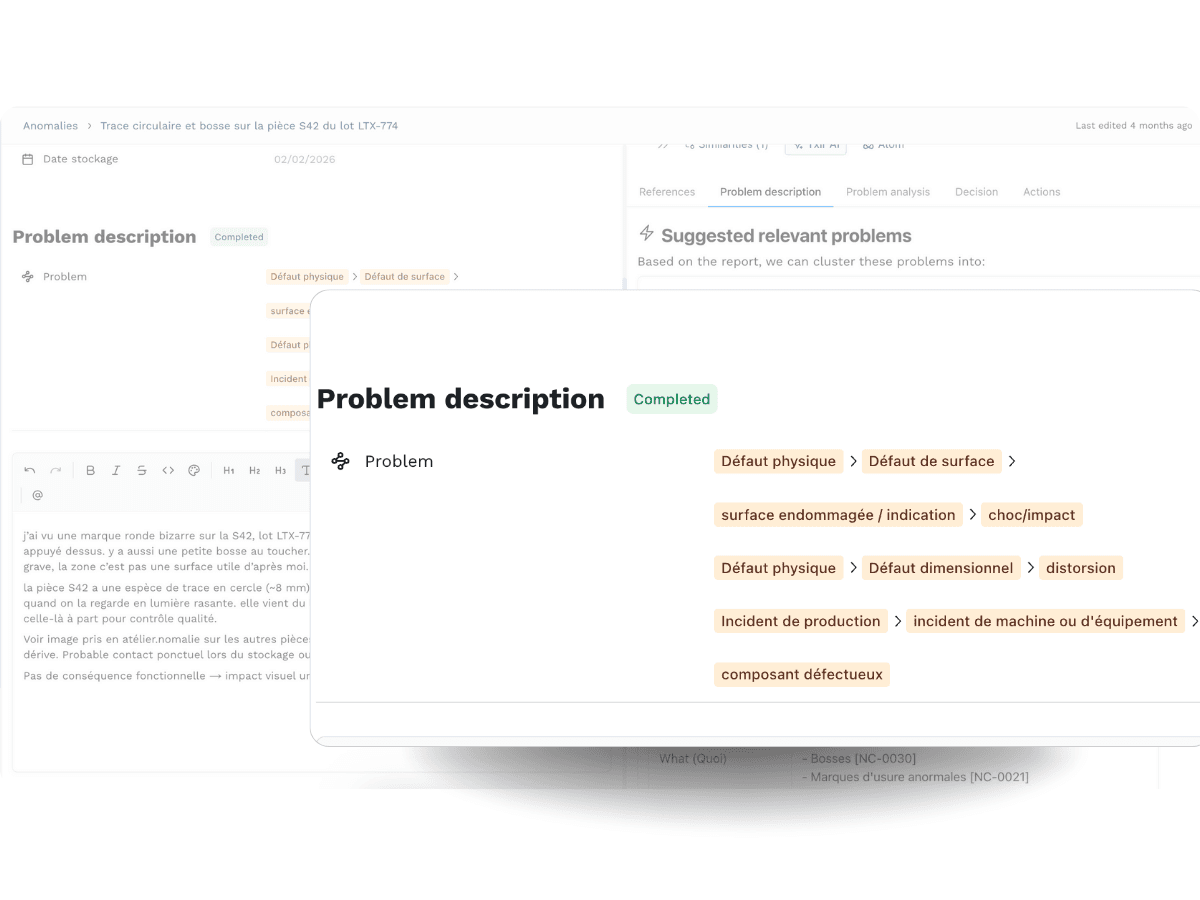
The AI immediately pre-analyses the report to assign tags: relevant components, related issues...
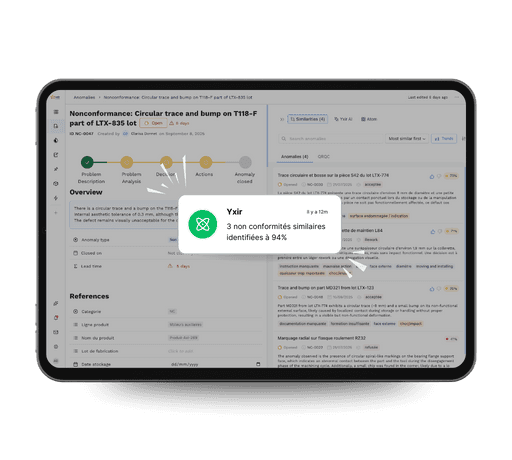
The non-conformity is automatically classified neatly in your database. Thus, Yxir's AI will then directly find similar and related cases.